The best AI logo tools in 2026 are Logo Diffusion (best for vector quality), Design.com (best for all-in-one branding), and BrandCrowd (best for fast setup). Below are all 7 top AI logo makers ranked, tested, and compared.
Creating a professional logo used to require hiring expensive designers or spending weeks learning complex software. In 2026, AI logo design tools have evolved from generating basic clip-art style icons to producing sophisticated, vector-ready brand identities that rival human designers. But with dozens of AI logo makers flooding the market, most still produce generic, templated results. The tools in this guide are the ones actually used by professionals and successful startups.
- Best for Vector Quality: Logo Diffusion. Uses designer-curated datasets for true precise vectors.
- Best for All-in-One Branding: Design.com. Offers a full branding ecosystem with over 1M assets.
- Best for Speed: BrandCrowd. Instantly generate professional logos with an intuitive UI.
- Best free combo: Canva AI + Design.com. Gives you access to vast free templates to start.
Experience - Expertise: Our Testing Methodology
To ensure this guide provides real value, the SEO Webster Team tested every tool using a standardized protocol:
- Vector Accuracy Test (Generating complex geometric shapes and exporting to SVG/EPS)
- Brand Consistency Test (Reviewing how well the generated logo scales across different identity materials)
- Prompt Adherence Test (Testing text-to-logo capabilities with specific styles, colors, and industry niches)
We evaluated each tool on three criteria:
- Output Quality: Does the logo look professionally designed or like generic clip-art?
- Technical Feasibility: Does it offer true vector output and print-ready files?
- Licensing & Rights: Do you actually own the final commercial output?
Why AI Logo Design Matters in 2026
Modern logos need to perform everywhere: from tiny 16px browser favicons to massive 4K video intros.
Why you need a professional AI logo generator in 2026:
Vector Format Outputs
An image that pixelates when enlarged is useless for print. True AI vector generation ensures infinite scalability.
Brand Consistency Kits
Modern AI tools instantly push your new logo to business cards, letterheads, and social profiles perfectly sized.
Full Copyright Control
Premium generators are trained on licensed content and grant full commercial rights to their outputs.
Speed and Ideation
Prompt specific color palettes, iconography, and typographic choices in seconds instead of waiting weeks.
Our Top 3 Picks
If you only try three tools, make it these.
Our Top 3 Picks
Logo Diffusion
Best for professional-grade vector logos and exact styling precision.
Design.com
Best for building a comprehensive, all-in-one brand ecosystem.
BrandCrowd
Best for fast, highly customizable logo creation for small businesses.
Quick Comparison: Top 7 Logo Design Tools
| Tool | Best For | Price | Score |
|---|---|---|---|
| 1. Logo Diffusion | Professional Vector Quality | $29/mo | 9.8 |
| 2. Design.com | All-in-One AI Branding | $3/mo | 9.5 |
| 3. BrandCrowd | Fast Custom Creation | $3/mo | 9.3 |
| 4. Looka | Complete Brand Identities | $96 (one-time) | 8.9 |
| 5. Canva AI Logo Maker | Non-Designers & Content | $12.99/mo | 8.7 |
| 6. Adobe Express | Creative Cloud Users | $22.99/mo | 8.5 |
| 7. LogoAI | Multi-Size Scalability | $49/mo | 8.2 |
Top 7 AI Logo Design Tools 2026
Here is our detailed look at the best tools on the market, categorized by the specific problem they solve well.
1. Logo Diffusion
Logo Diffusion : Best for Professional Vector Quality
Unrivaled true SVG and EPS output from an AI generator trained on award-winning logos.
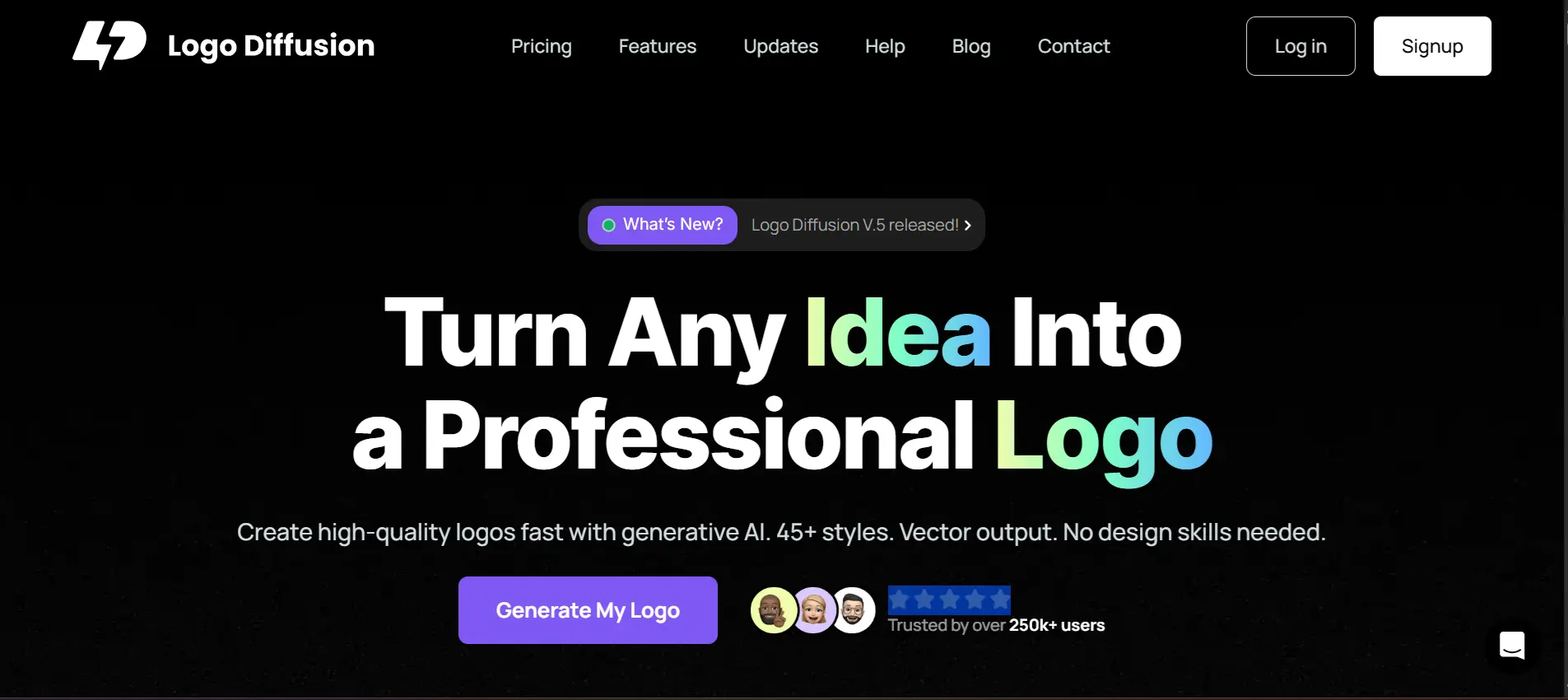
Logo Diffusion excels where others fail: generating true vector logos natively. Instead of relying on random internet image generation, it utilizes designer-curated datasets focused on brand guidelines and typography. Its Magic Editor enables complete fine-tuning over curves and weights, making it the premier choice for professionals scaling their design workflows.
✶ Core Features
- Image-to-Vector conversion from rough sketches
- Magic Editor for fine-tuning curves and spacing
- Style transfer from famous brand marks
- Native SVG and EPS export at any resolution
✓ Strengths
- Portfolio-quality, professional outputs
- Trained on high-quality curated data
✗ Limitations
- Requires basic design sensibilities
- Higher learning curve than typical online generators
2. Design.com
Design.com : Best for All-in-One AI Branding
A full branding ecosystem leveraging 400K+ templates and 1M design assets.
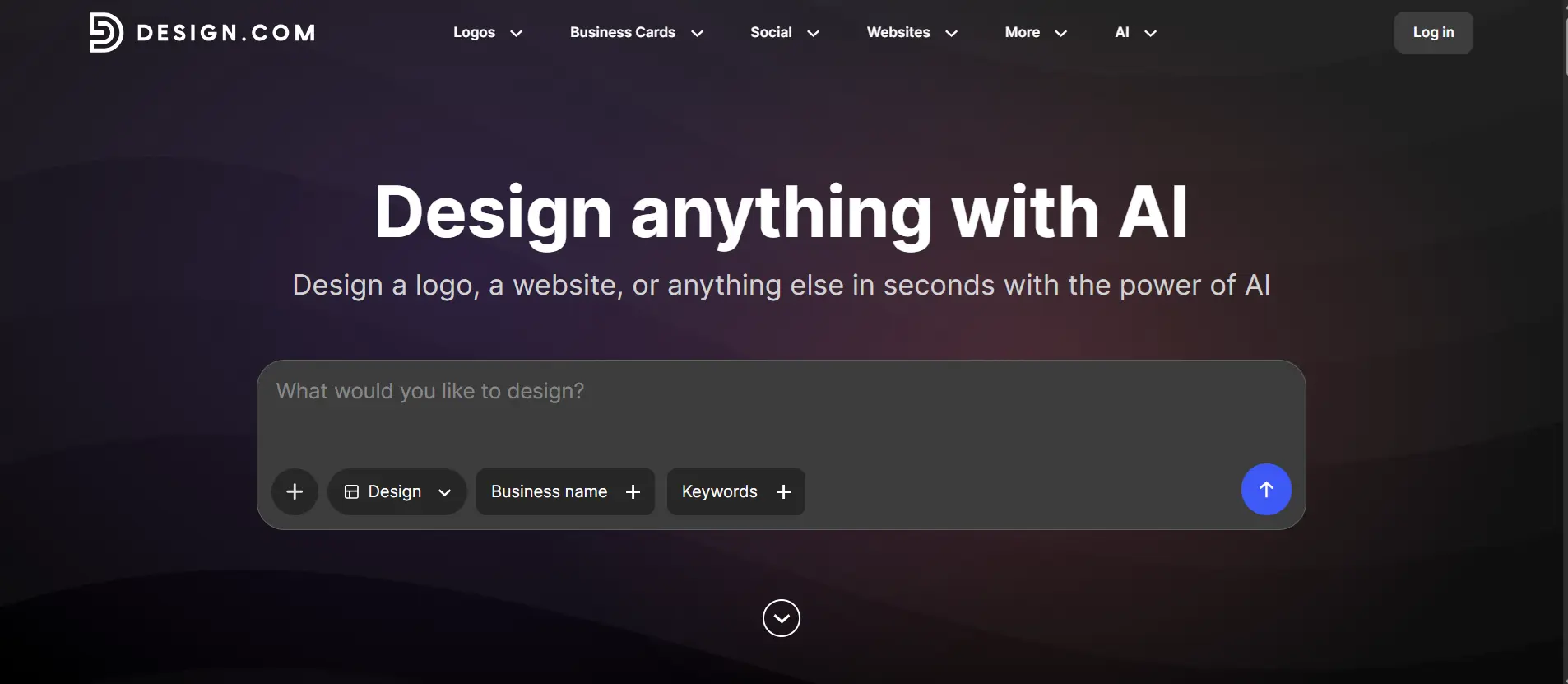
Design.com goes beyond simple logo creation by offering a full branding ecosystem powered by AI. Its AI logo generator can generate thousands of professional-quality logo variations instantly, backed by a massive library of 400K+ templates and over 1M design assets. The platform unifies identity generation with social media and marketing tools under one roof.
✶ Core Features
- AI-powered logo generation with instant variations
- Advanced AI editing via chat for icons and text
- 50+ design tools for websites, social media, and marketing
- Automatic brand consistency across all templates
- High-resolution vector, raster, and animated file exports
✓ Strengths
- Unmatched library of human-curated resources
- Cost-effective starting point for brand scaling ($3/mo)
✗ Limitations
- Free version only allows basic downloads
- Vast toolset might overwhelm basic users
3. BrandCrowd
BrandCrowd : Best for Fast and Customizable Logo Creation
Lightning-fast intuitive generator matched with 380K templates.
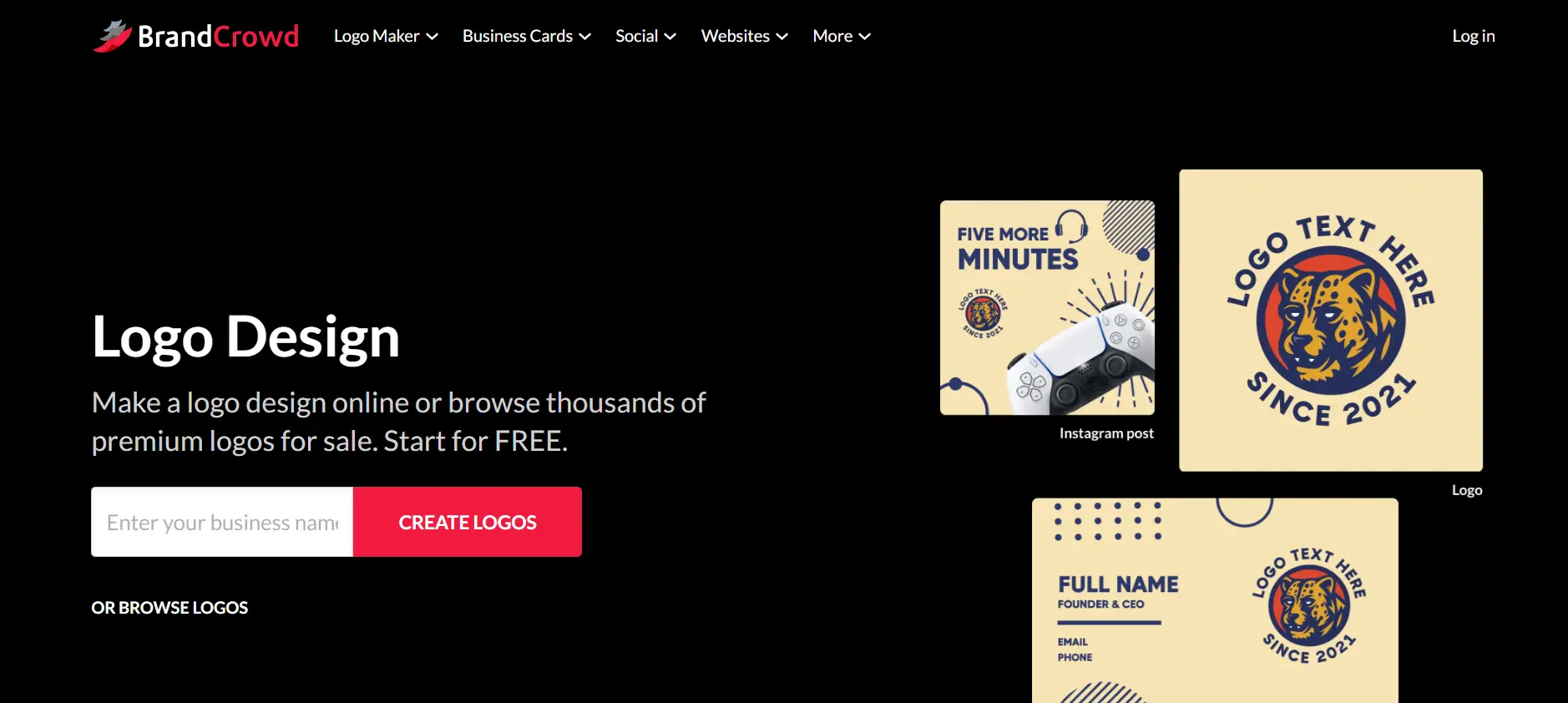
BrandCrowd focuses on speed and simplicity, allowing users to generate professional logos instantly using its intuitive AI logo maker and a library of over 380K templates. It requires practically zero onboarding, letting you iterate on fonts, layouts, and colors seamlessly to arrive at a polished mark.
✶ Core Features
- AI-powered logo generation based on business name
- Extensive template library across industries
- Easy customization of fonts, colors, and layouts
- High-quality vector and raster downloads
- Consistent branding across marketing assets
✓ Strengths
- Zero learning curve and immediate results
- Consistent layout logic ideal for SMBs
✗ Limitations
- Designs can look somewhat templated beside true generative tools
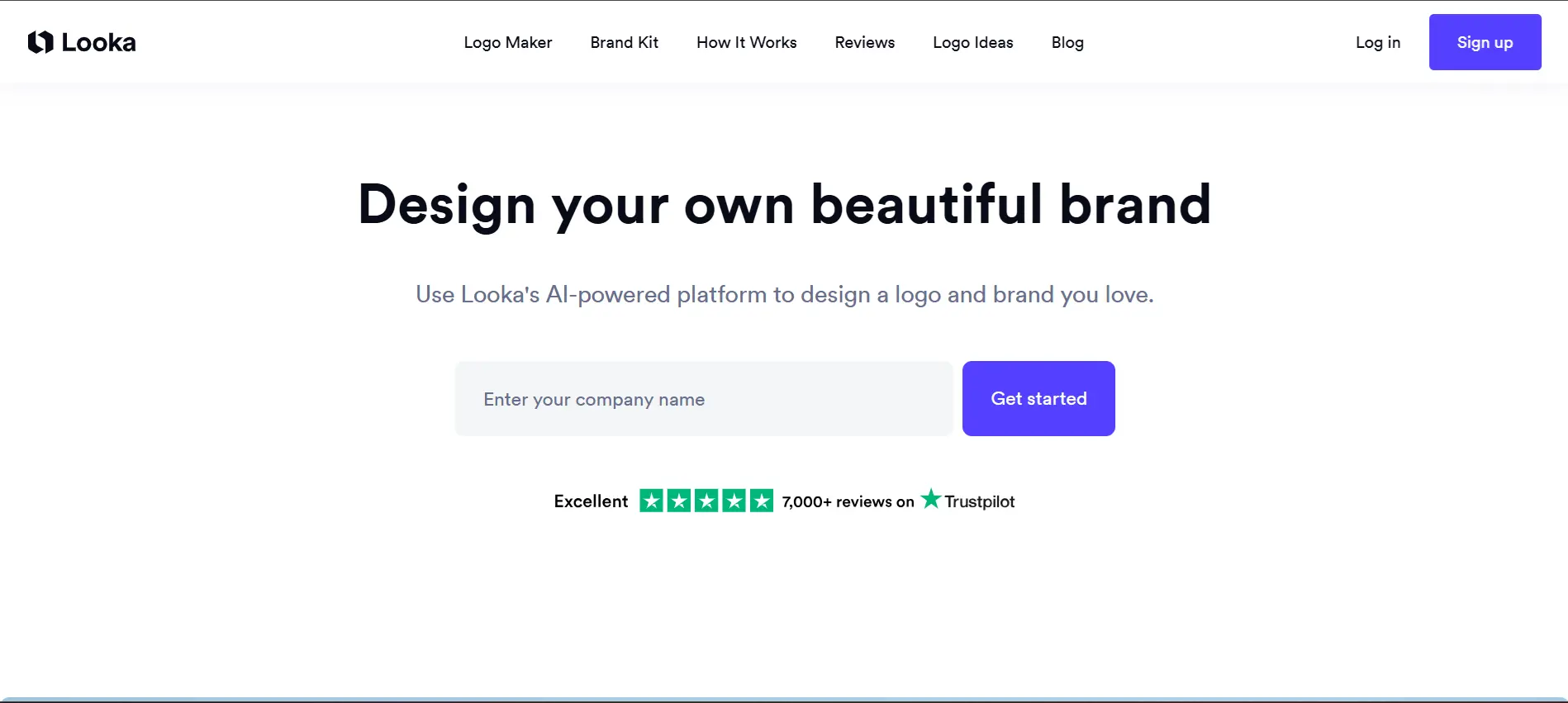
4. Looka
Looka : Best for Complete Brand Identities
While most tools stop at the logo, Looka creates 300+ branding pieces instantly.
Looka acts as an automated design agency. It provides real-world mockups so you can visualize your design right on merchandise and letterheads. Its powerful AI generates matching color combinations and typography pairings right off the bat, bridging the gap between having a logo and having a brand.
✶ Core Features
- Real-World Mockups on merch and vehicles
- Brand Kit Generator with 300+ templates
- Pre-sized Social Media Package
- One-Click Website Landing Page generation
✓ Strengths
- Unbeatable for visualizing out-of-the-box identities
- Highly cohesive design rules engine
✗ Limitations
- The comprehensive package carries a larger one-time cost
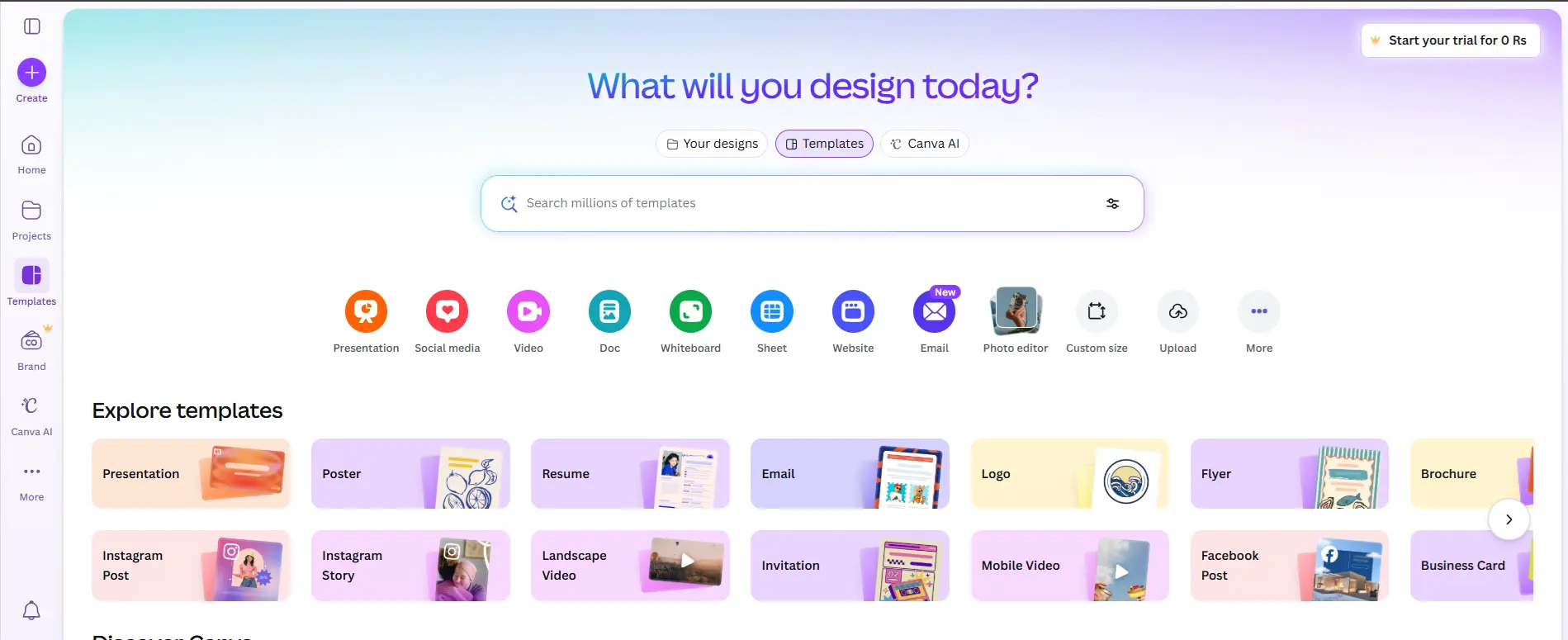
5. Canva AI Logo Maker
Canva AI : Best for Non-Designers
Seamless workflow integration inside the world’s most popular creative suite.
Canva AI Logo Maker leverages text-to-logo capabilities tied directly inside Canva's robust editor. If you already use Canva to manage social media or presentations, the generated logos are naturally synchronized to your team's visual assets and layouts.
✶ Core Features
- Text-to-Logo prompting
- Thousands of customizable elements natively integrated
- Real-time team collaboration tools
✓ Strengths
- Extreme ease of use
- Generous free tier functions
✗ Limitations
- Cannot generate SVG exports perfectly without Pro
- Less nuanced than dedicated generator engines
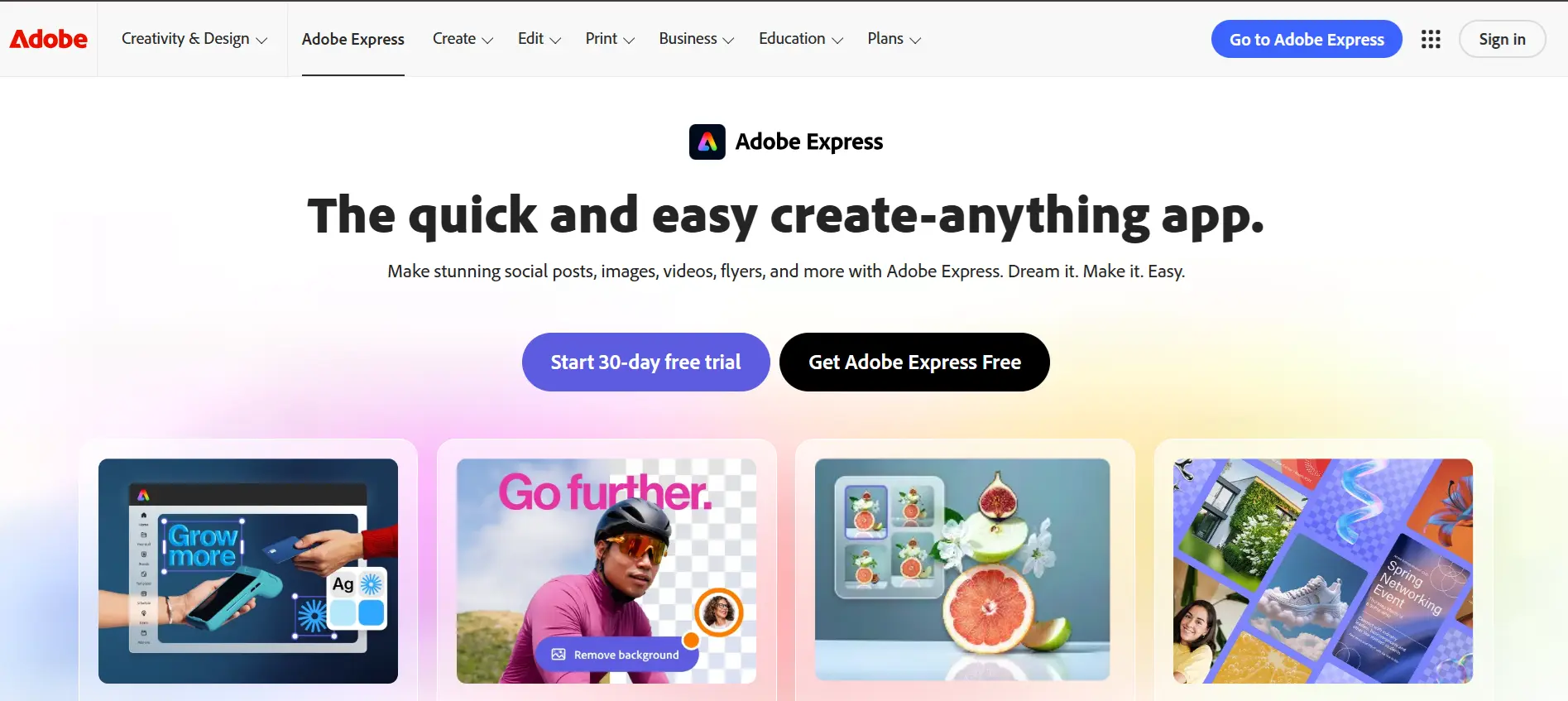
6. Adobe Express
Adobe Express : Best for Creative Control
Firefly-powered generation connected seamlessly to Illustrator and Photoshop.
Adobe Express is backed by the highly ethical Firefly generative model. It guarantees zero copyright infringement because it's trained exclusively on public domain and Adobe Stock library imagery, while allowing you to pipe outputs straight into Creative Cloud for further adjustments.
✶ Core Features
- Text-to-Image capabilities optimized for logos
- Generative Fill editing natively supported
- Zero copyright risks on generated elements
✓ Strengths
- Legally the safest platform available
- Flawless syncing with external tools
✗ Limitations
- Results can occasionally look repetitive due to strict safety rails
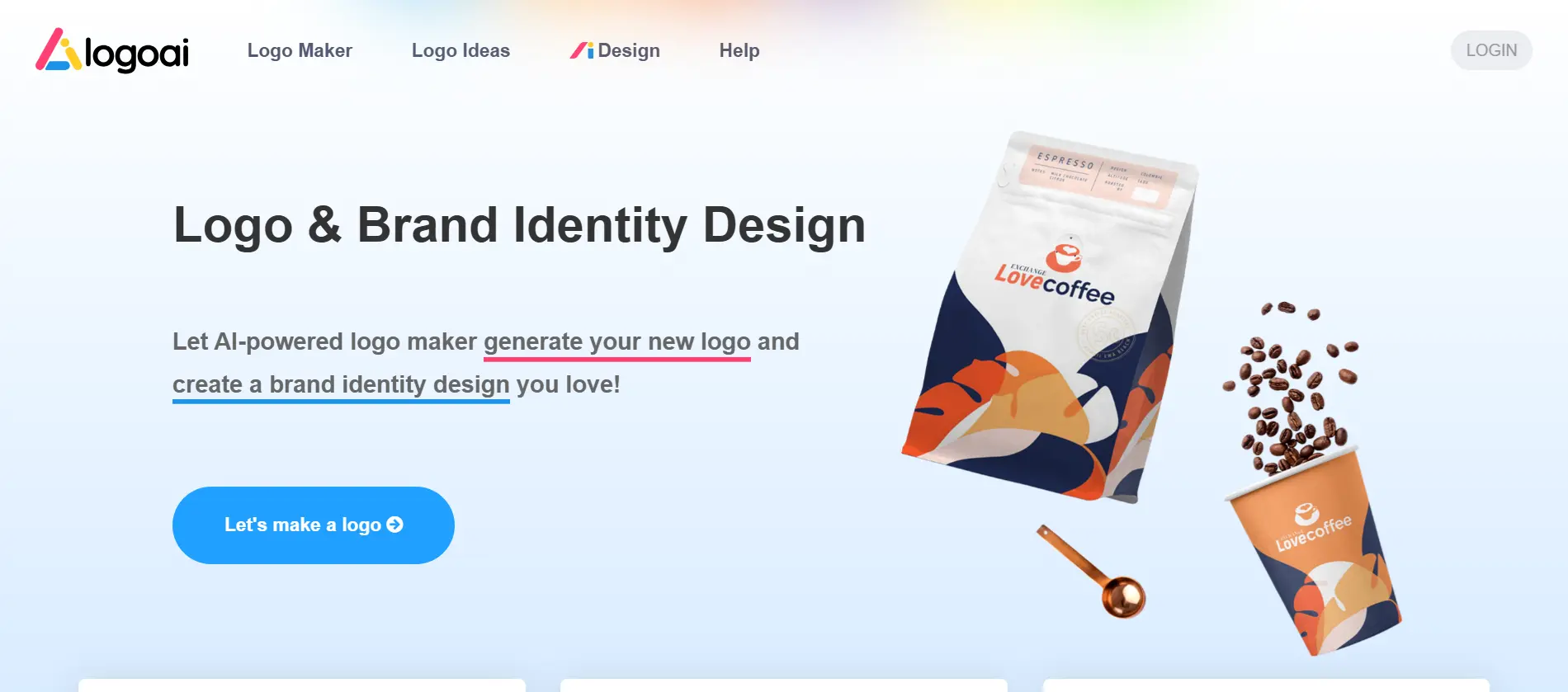
7. LogoAI
LogoAI : Best for Cross-Medium Mockups
Automatically verifies edge cases to assure small details scale correctly.
LogoAI obsesses over how your logo performs contextually. Every generation is visually tested at multiple sizes to ensure a mark doesn't become visually noisy as a favicon, handling animation and branding guidelines with precision.
✶ Core Features
- Automatic adjustment of layout elements upon scale
- Simultaneous multi-background generation testing
- Built-in animated logo exports for digital video
✓ Strengths
- Produces very clean and legible symbols
- Generates automated brand books instantly
✗ Limitations
- More restrictive aesthetic range than basic diffusion prompts
*Pricing disclaimer: Prices are accurate as of April 2026. Many tools offer localized pricing which may vary by region.*
Comparison: Logo Diffusion vs. Design.com
Two excellent AI logo platforms, yet targeting vastly different workflows.
Logo Diffusion
- Pixel-perfect vector execution natively without post-processing tracing.
- Highly customizable geometric prompt capabilities via their Magic Editor.
- Geared more towards extending a graphic designer's skillset.
Best for designers prioritizing pure geometric accuracy.
Design.com
- Expansive 400K template library guarantees a usable output.
- Direct conversational chat edits for text and icon variations immediately.
- Ties directly into a comprehensive business branding and website suite.
Best for founders needing to deploy a full branding suite instantly.
How to Choose the Right AI Logo Maker
Use these four criteria when narrowing down your options.
Match Your Needs
Vector Exports
If you intend to print merchandise, choose a platform ensuring high-accuracy SVGs like Logo Diffusion.
Design Proficiency
If you have absolutely no background in design software, highly intuitive tools like Design.com or BrandCrowd are best.
Full Kit Scalability
A logo is rarely deployed alone. Ensure the generator supports social assets, such as with Looka.
Legal Ownership
Ensure the license supports commercial distribution without limitations or hidden secondary costs.
Beyond the Tools: Tips for Prompting Better Logos
The difference between a forgettable AI logo and a distinctive brand mark often comes down to how you formulate your prompt text.
- Use Professional Formatting: Combine your niche with specific symbols, color guides, and adjectives:
[Industry] + [Traits] + [Symbol] + [Style] + [Color]. - Reference Real-World Examples: Requesting the aesthetic of “Stripe” or “Blue Bottle Coffee” helps guide the model’s visual anchors.
- Instruct Exclusions: Clearly state what to avoid (e.g., “no clip-art symbols, no 3D effects”) to prevent outdated styles.
- Generate Variations Immediately: Always request multiple visual directions at once so you can blend and refine concepts.
Frequently Asked Questions (FAQ)
Can I trademark an AI-generated logo? +−
Do I need design skills to use these tools? +−
What is the difference between free and paid AI logo makers? +−
Are AI-generated logos legally safe to use for my business? +−
Conclusion
The evolution of AI logo makers means that lacking budget or design skills shouldn’t prevent any business from maintaining a highly polished brand footprint. While options span from casual canvas planners entirely towards intricate vector diffusion workflows, the underlying barrier to entry is completely dissolving.
The best tool is ultimately the one aligning closest with your technical comfort zone. Start with Logo Diffusion for pixel-perfect SVGs and leverage Design.com if you are looking to bootstrap your entire marketing identity alongside your logo. Add BrandCrowd into the mix if you need rapid iteration and massive industry template diversity.
Bottom line: A winning combination for a non-designer would be mapping out your initial mood board with a speedy platform and deploying it through a toolkit like Design.com for roughly $3 a month-providing you unparalleled flexibility across your brand’s digital launch footprint.
Have questions about this article?
Ask the AI assistant anything — it has context on everything you just read.
AI Assistant
Ask about this article
I can summarize this article, explain concepts, and suggest related posts on SEOwebster.com.
Try asking